Karaoke Tube
Karaoke parties where everyone's phone is the remote.
What it is
Karaoke Tube is a karaoke party you run from your phones. Put the TV screen on, share a code, and everyone joins and picks songs from YouTube's karaoke videos.
It's free, there's nothing to install, and you don't need an account (accounts are optional). It works in English and Spanish.
Why I built it
Motivation
I've always loved doing karaoke with friends and family. Some of my favorite nights have been spent laughing, singing badly, and cheering each other on. But the setup could be a bit clunky. We'd pause for a minute between songs while someone found the next one, nobody really knew who was up next, and as the host I was always keeping track of the order and trying to keep things fair.
I wanted everyone to just enjoy the party, me included. So I built Karaoke Tube: everyone adds songs from their own phone, singers take turns, and the next song starts on its own. Now the host gets to sing too.
How a party works
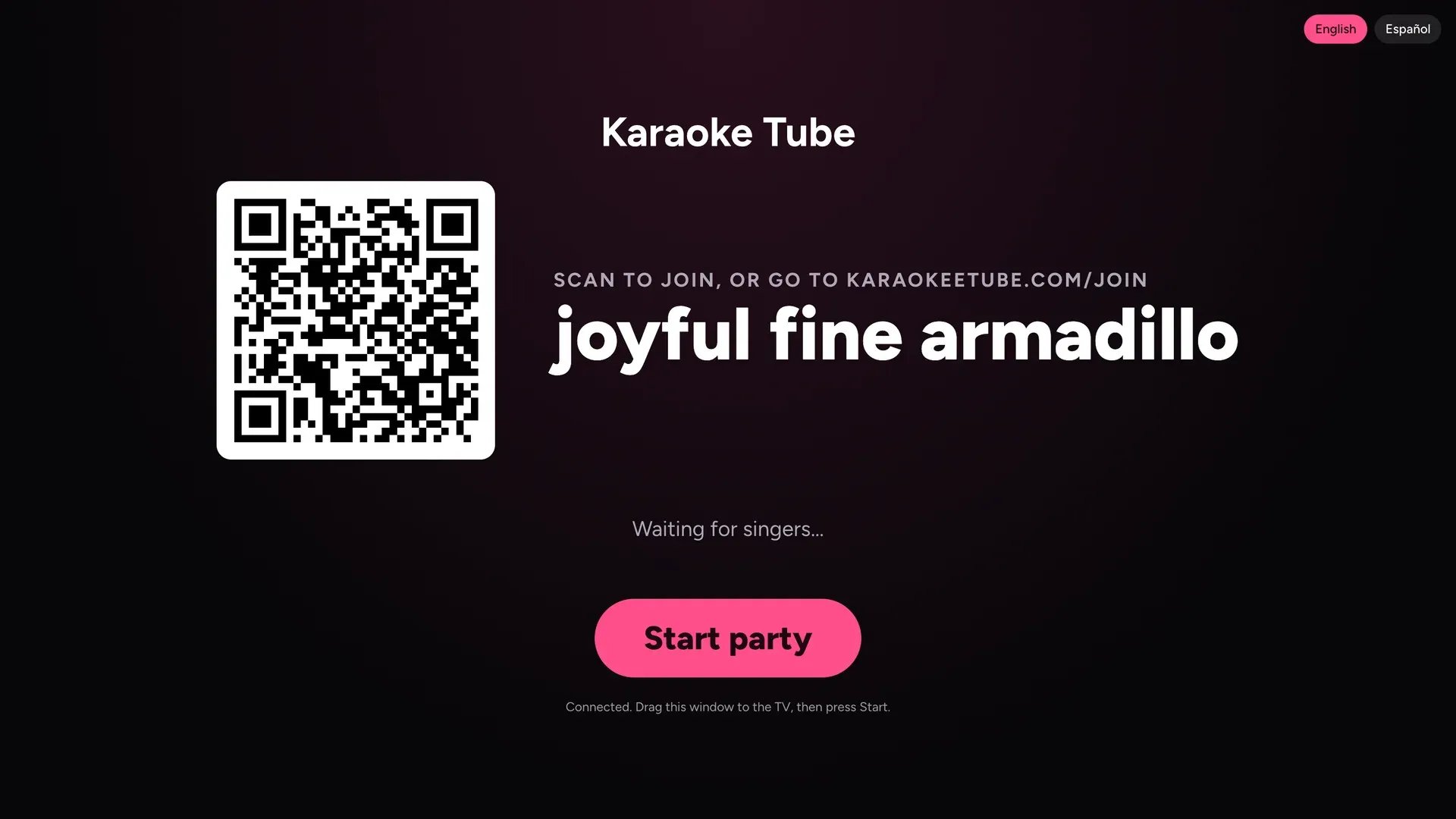
1Open it on the TV
One screen, one code. That's the whole setup.
2Everyone joins by phone
Scan the QR, pick a silly avatar and a name, and add songs. No app, no sign-up.
3Take turns, fairly
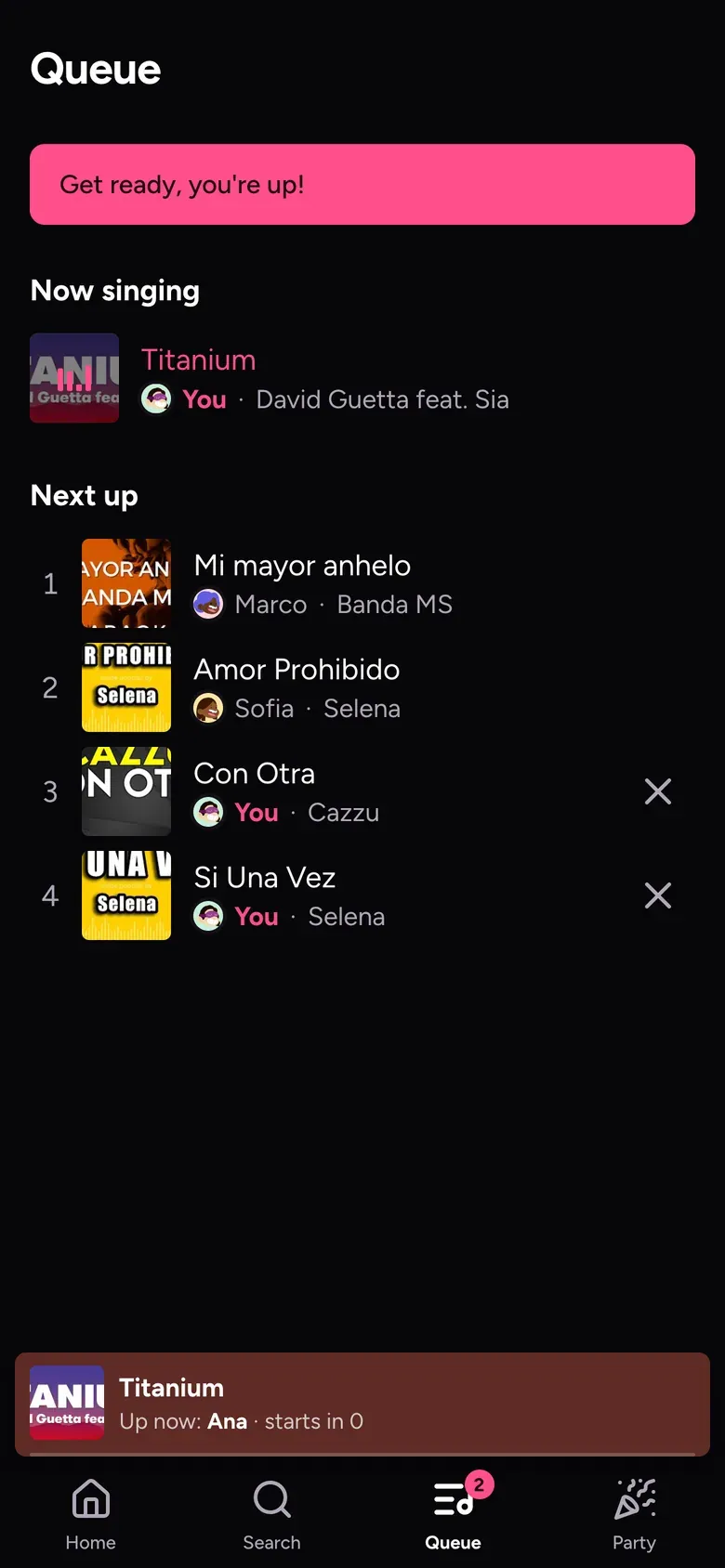
One song per singer per round. Nobody waits forever, and nobody hogs the mic.
What each part does
The TV
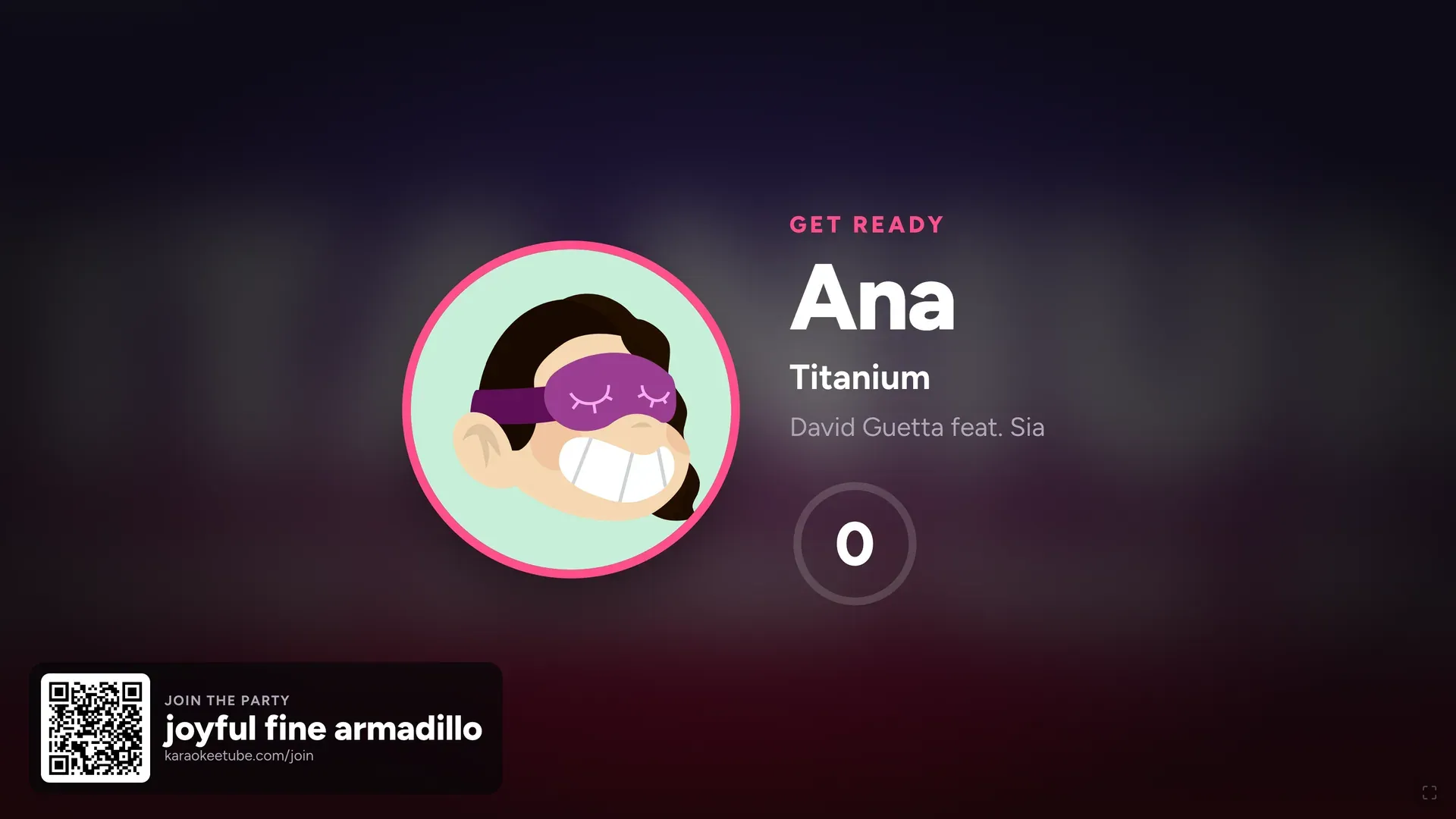
Before each song, the TV shows whose turn it is and counts you in, so you have a moment to grab the mic. The join code shows up between songs, so late arrivals can hop in.
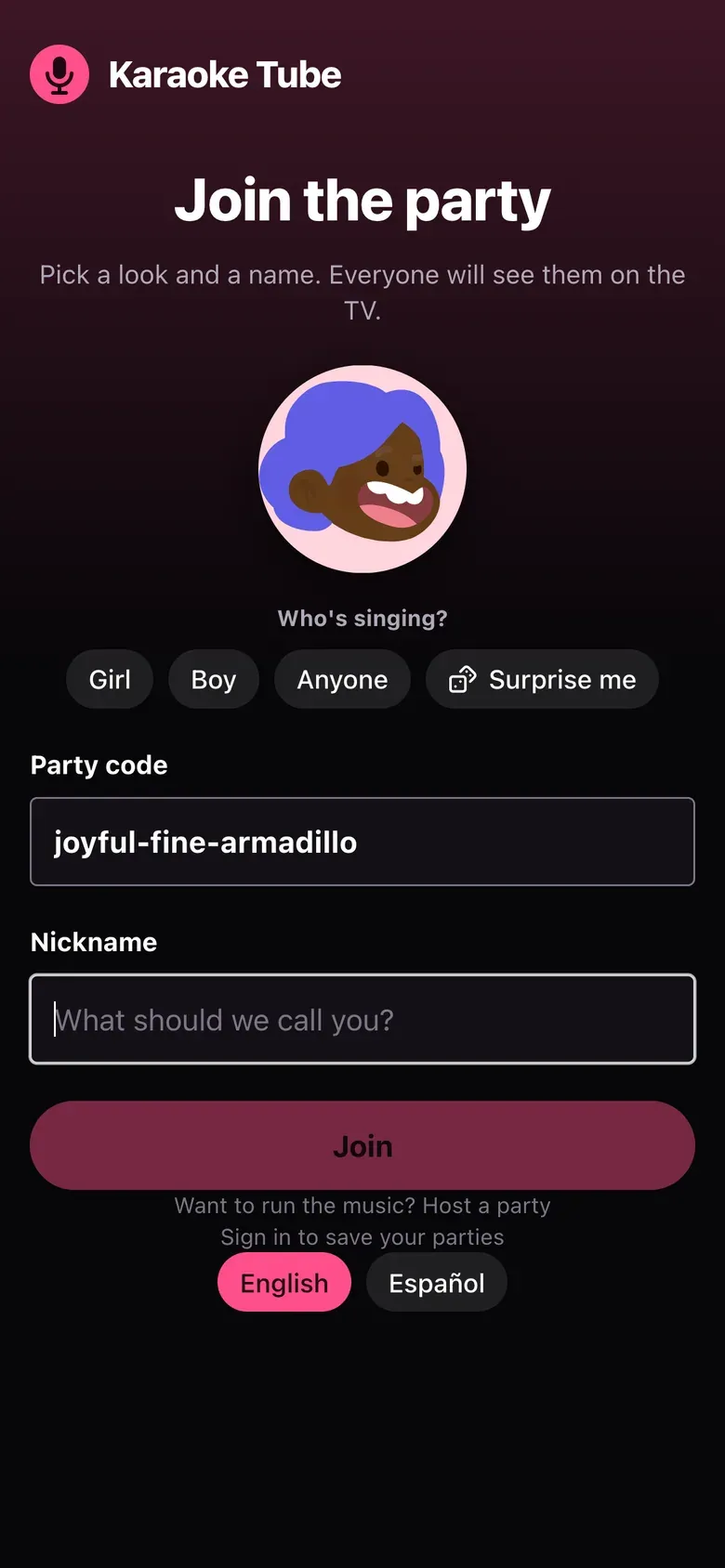
Joining
Pick a look, type a nickname, and you're in. Everyone shows up on the TV with their avatar.
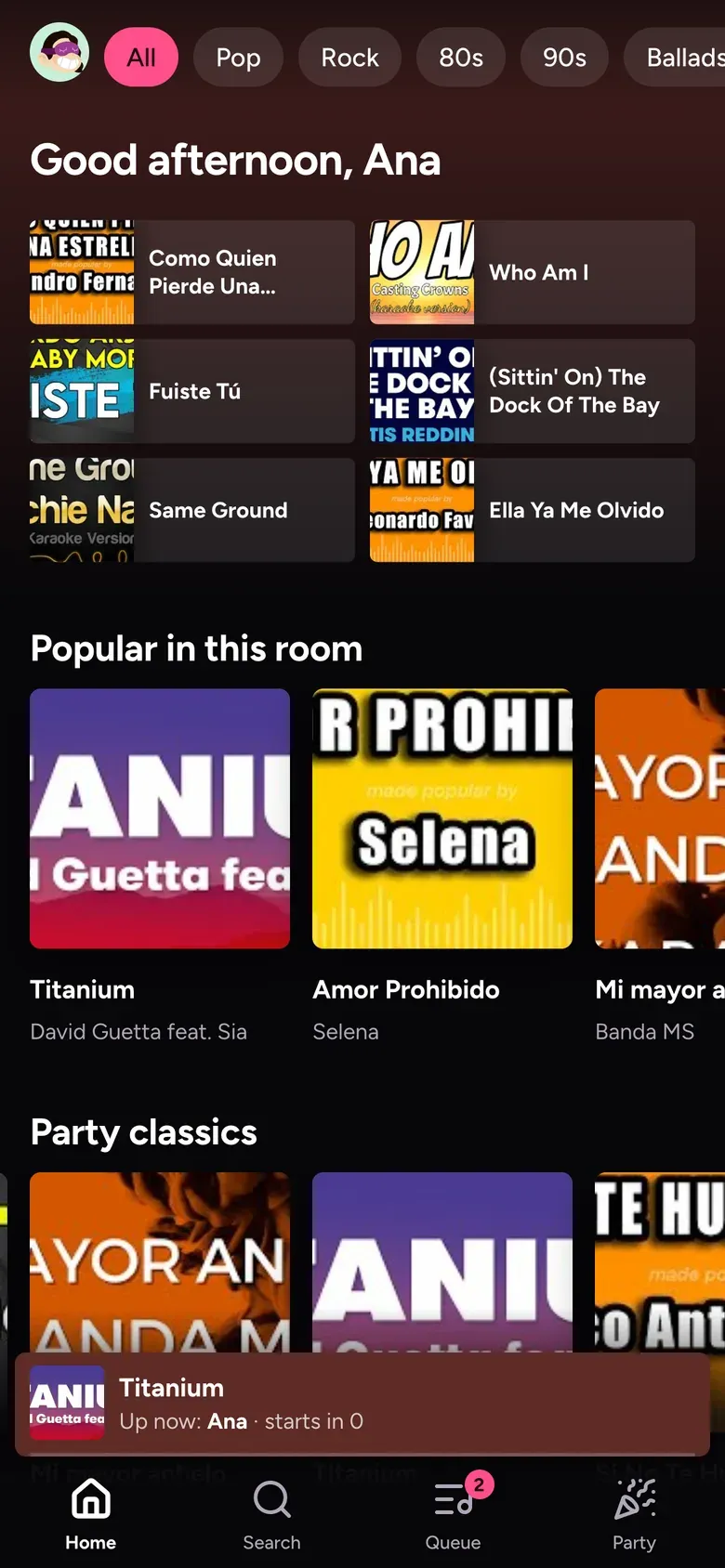
Finding songs
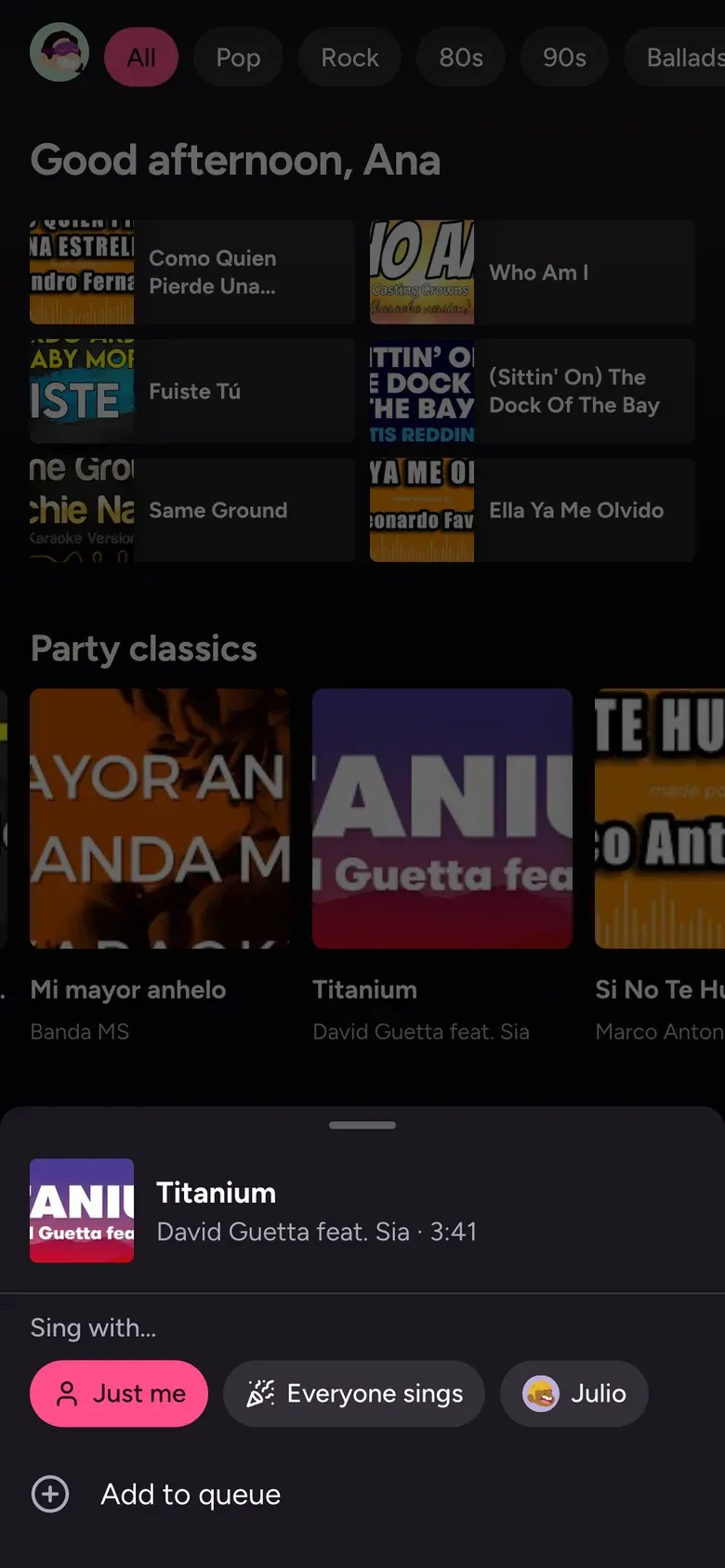
Browse by genre, see what's popular in the room, or search for anything. Tap a song to add it.
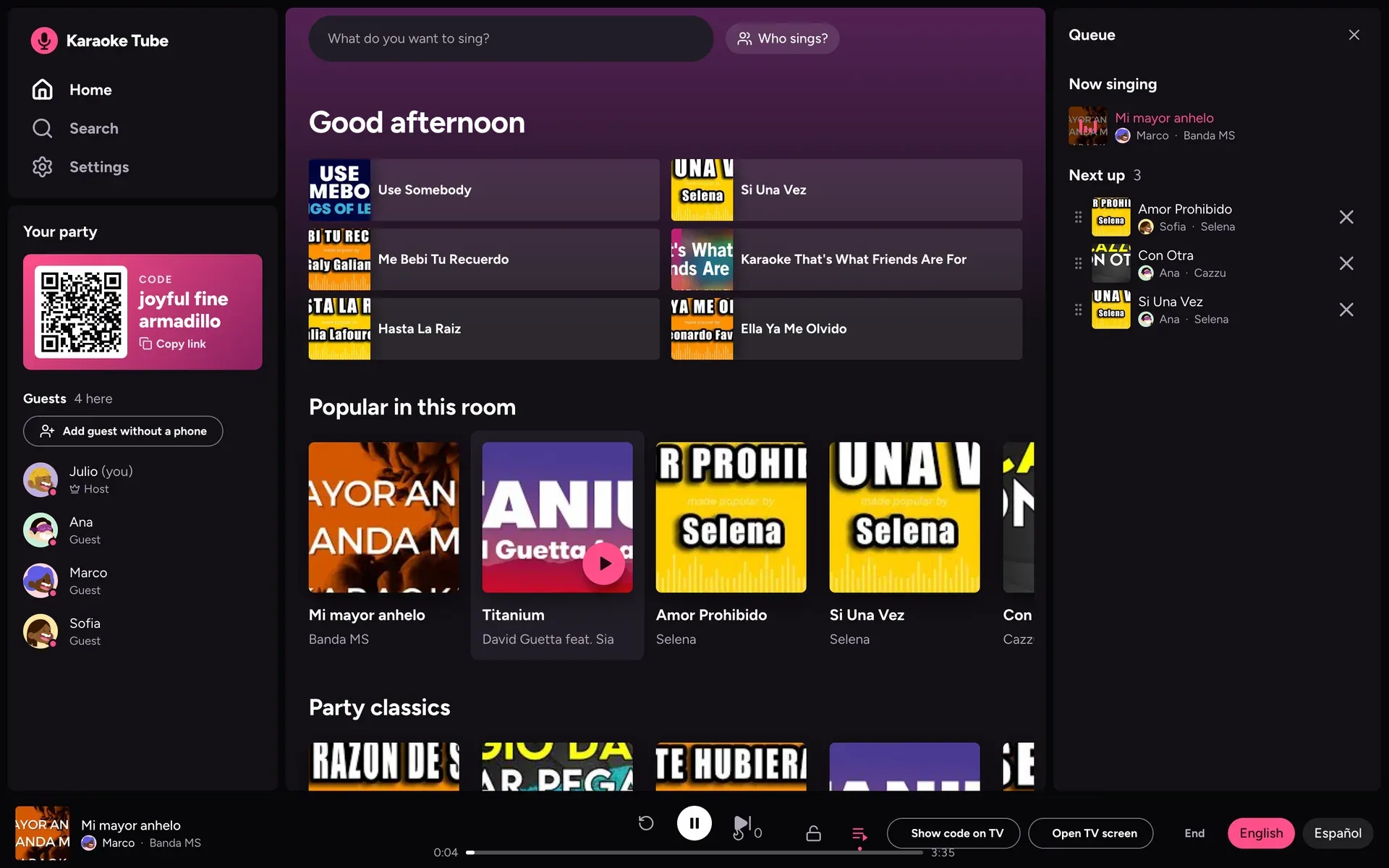
The host's view
Everything in one place: the code, who's here, and the queue. Drag songs to reorder them, remove them, skip or pause, and let the music run.
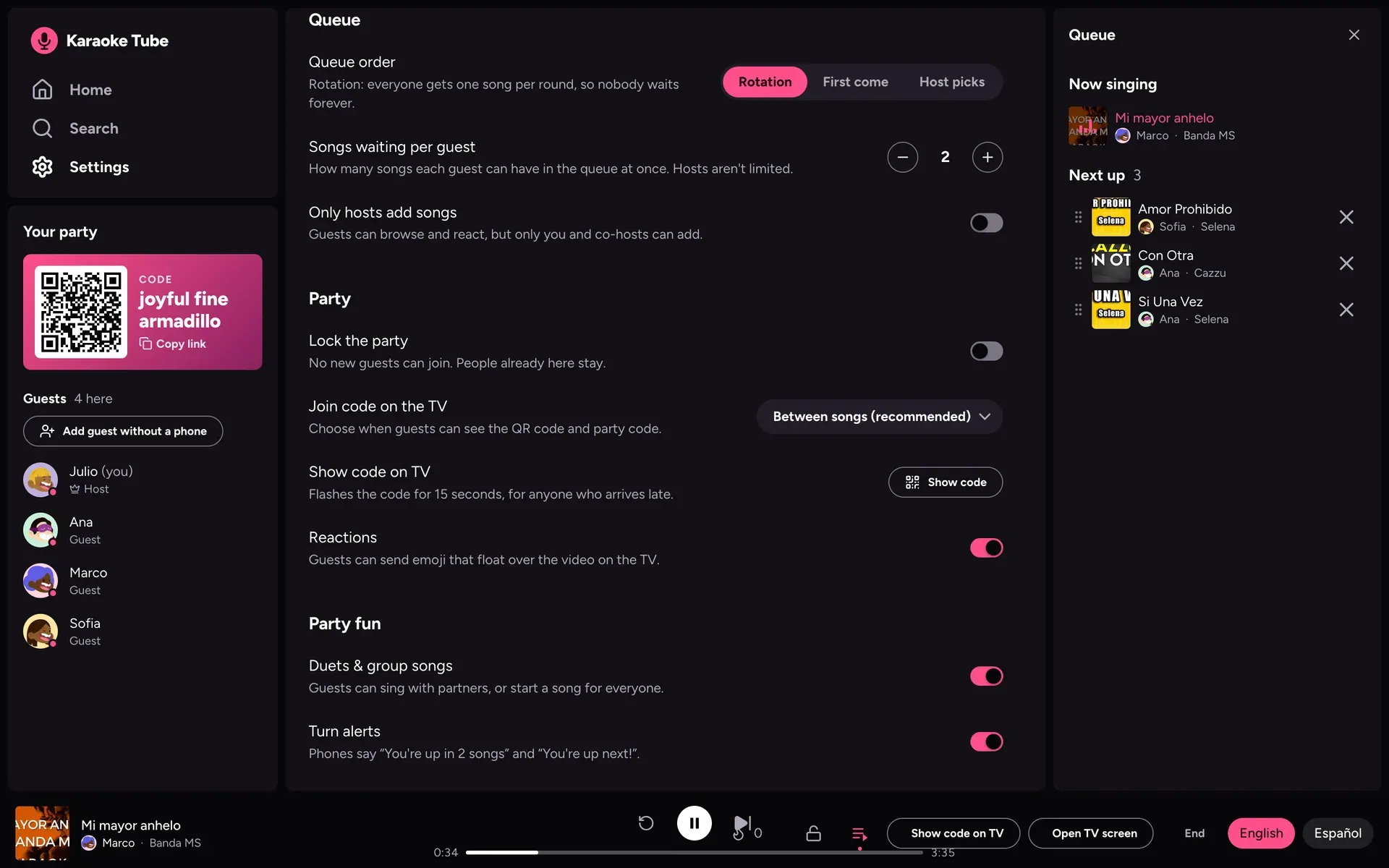
Host settings
Choose how turns work: rotation, first come first served, or you pick. Limit how many songs each person can queue, lock the party, and turn on reactions, duets and group songs.
A few tricky parts
One room, three screens
Every party is its own little room that keeps the phones, the host and the TV in sync in real time. I built each room as a Cloudflare Durable Object, so there is one place that knows the queue and whose turn it is.
Only about 100 searches a day
YouTube's free search limit is small, so I save results: searches for a week and videos for a month. Repeat searches cost nothing, and if the limit runs out you can still paste a link.
Fair turns, no arguments
The queue runs in rounds, one song per singer, with a limit on how many songs each person can have waiting. The host can still reorder anything. If a video can't be played in an embed, the app skips it and moves on.
Technologies
React and Vite
Fast screens for phones, the host and the TV, all in one web app.
Hono on Cloudflare Workers
A small, quick API that also serves the website.
Durable Objects
One per party, so every screen sees the same queue.
Cloudflare KV
Remembers YouTube searches so the daily limit lasts.
YouTube Data API and player
Searches for karaoke videos and plays them on the TV.
TypeScript
The app and the API share the same types, so they stay in step.