Mappe
A personalized digital planner that fits your life.
What it is
Mappe is a digital planner you design yourself. Pick a starting point, choose your pages, set your dates, colors and fonts, and adjust the blocks on each page.
When you finish, the app turns your design into a PDF and emails it to you. It's free while I build it, and you don't need an account.
Why I built it
Motivation
My wife loves her paper planner. Every week she sits down with it and plans out her days, and it's one of her favorite little rituals. Watching her, I got curious about digital planners and started looking into them.
What I found was that most of them are made by one author, and you can't really change them. You get their layout and that's it. But no two lives look the same. A mom who homeschools her kids doesn't plan her week like an influencer does, and neither of them should have to squeeze into someone else's page.
So I built a planner you can make your own. Tell it a bit about your life, adjust it until it feels right, and get a planner that fits you.
Two lives, two different planners
Same planner, same colors, two very different months. Both pages come from a real PDF the app made, built from the same blocks: calendars, cards, checklists, paper and tables.
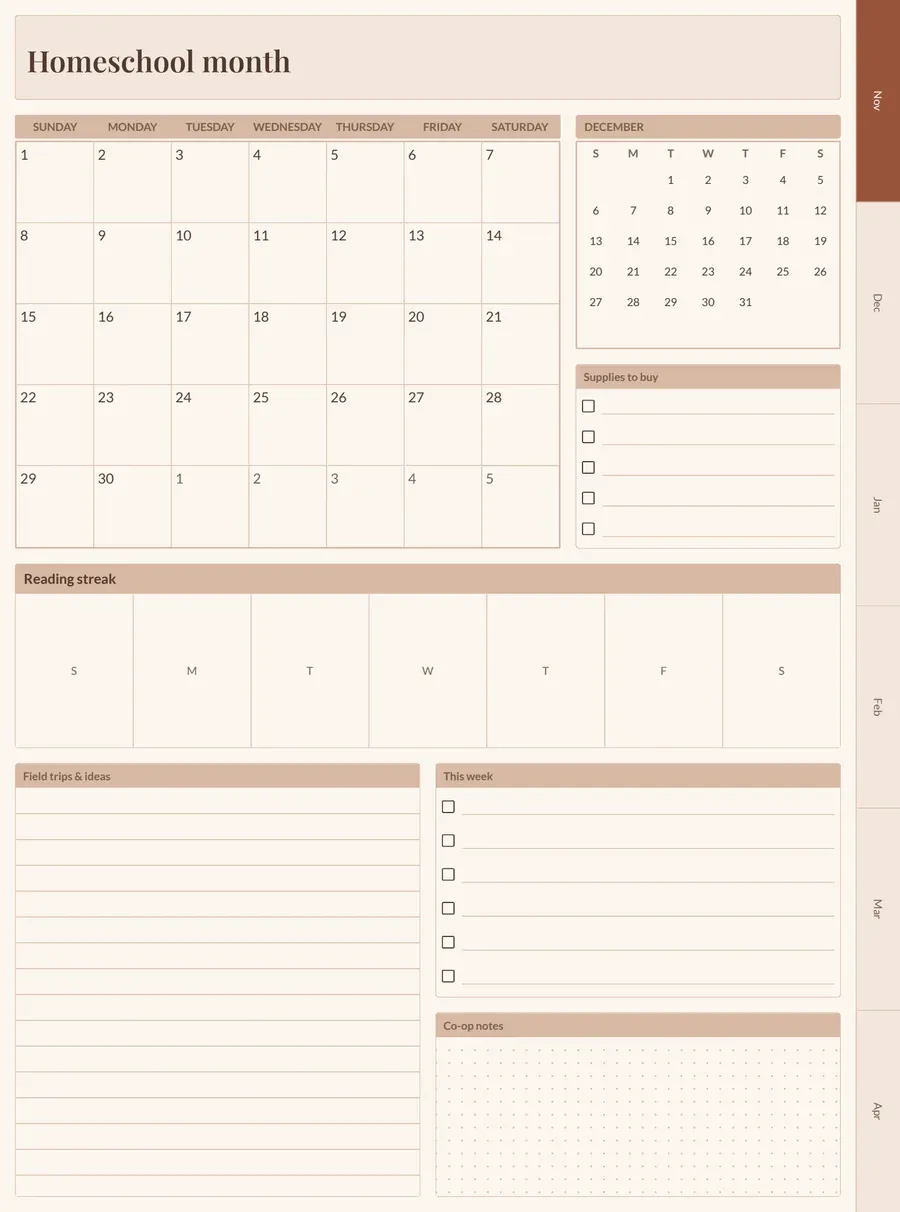
1I homeschool three kids
A month calendar for lessons, a small calendar for what's coming, a reading streak, checklist cards, and lined paper for field trips.
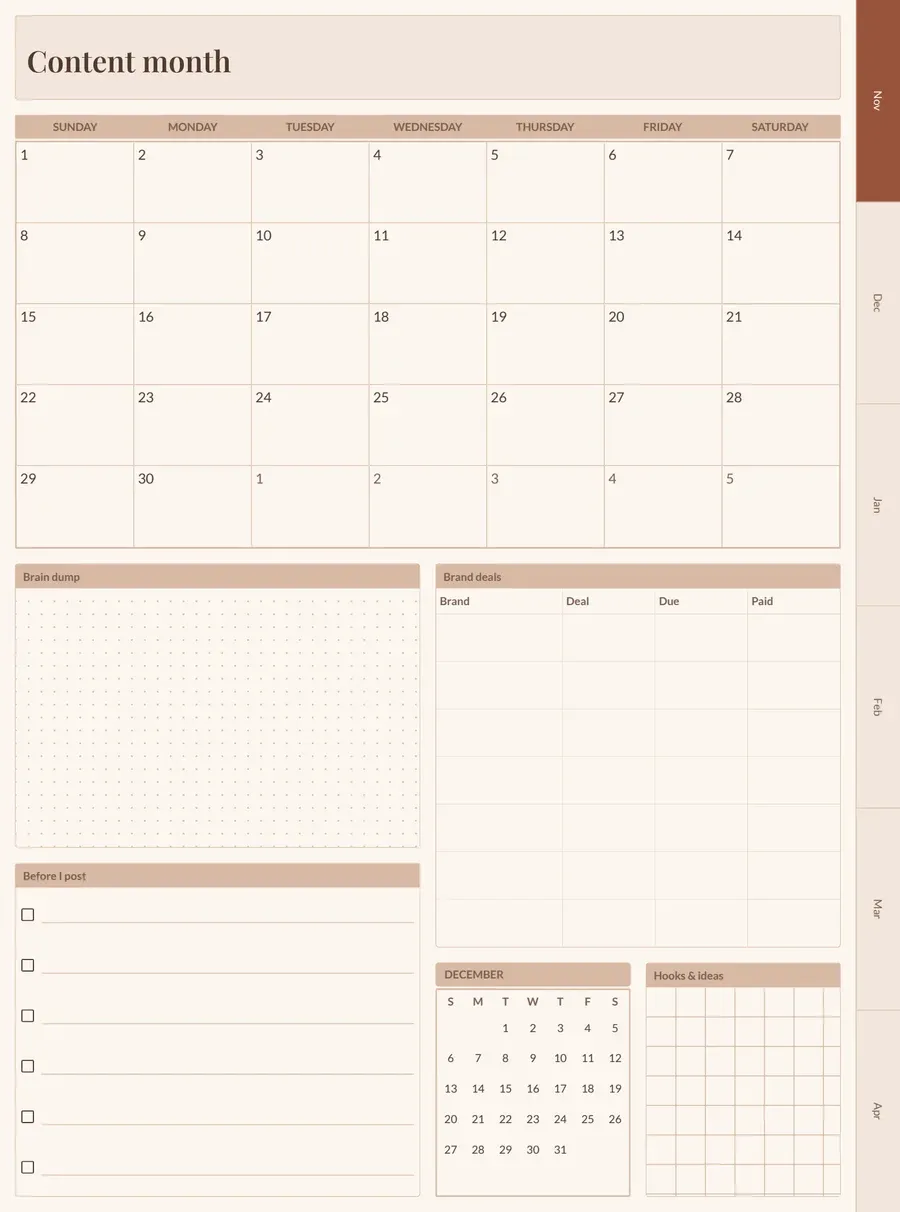
2I create content full-time
A big month calendar for posting dates, a dotted brain dump, a table for brand deals, a checklist before I post, and squared paper for hooks.
What each part does
Start with how you plan
Pick a starter profile (everyday, student, work and projects, or mindful and balanced), or start from scratch with a single page.
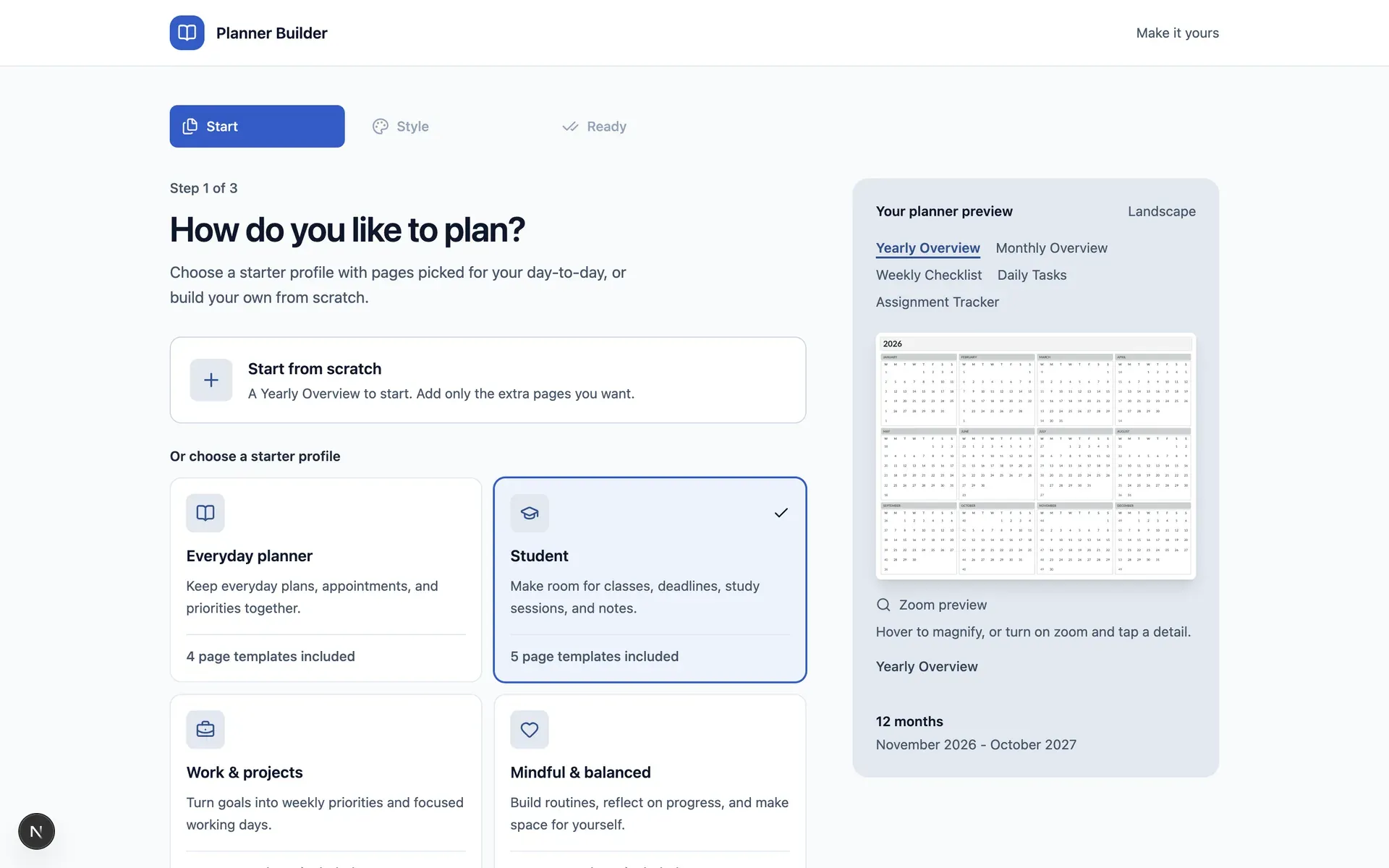
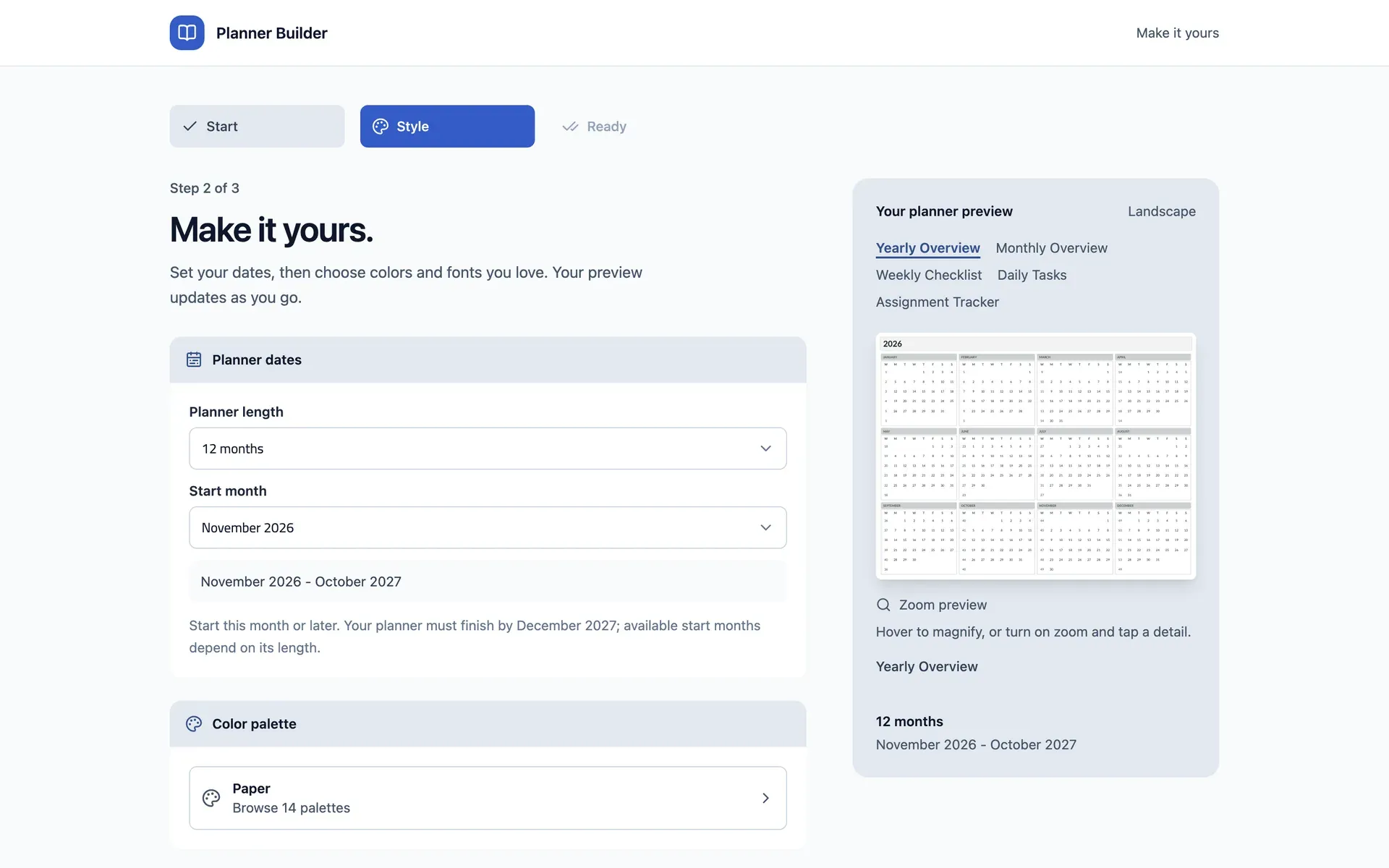
Make it yours
Set your dates, then choose from 14 color palettes and 8 font styles. Pick portrait or landscape, and which day your week starts on.
Edit every page
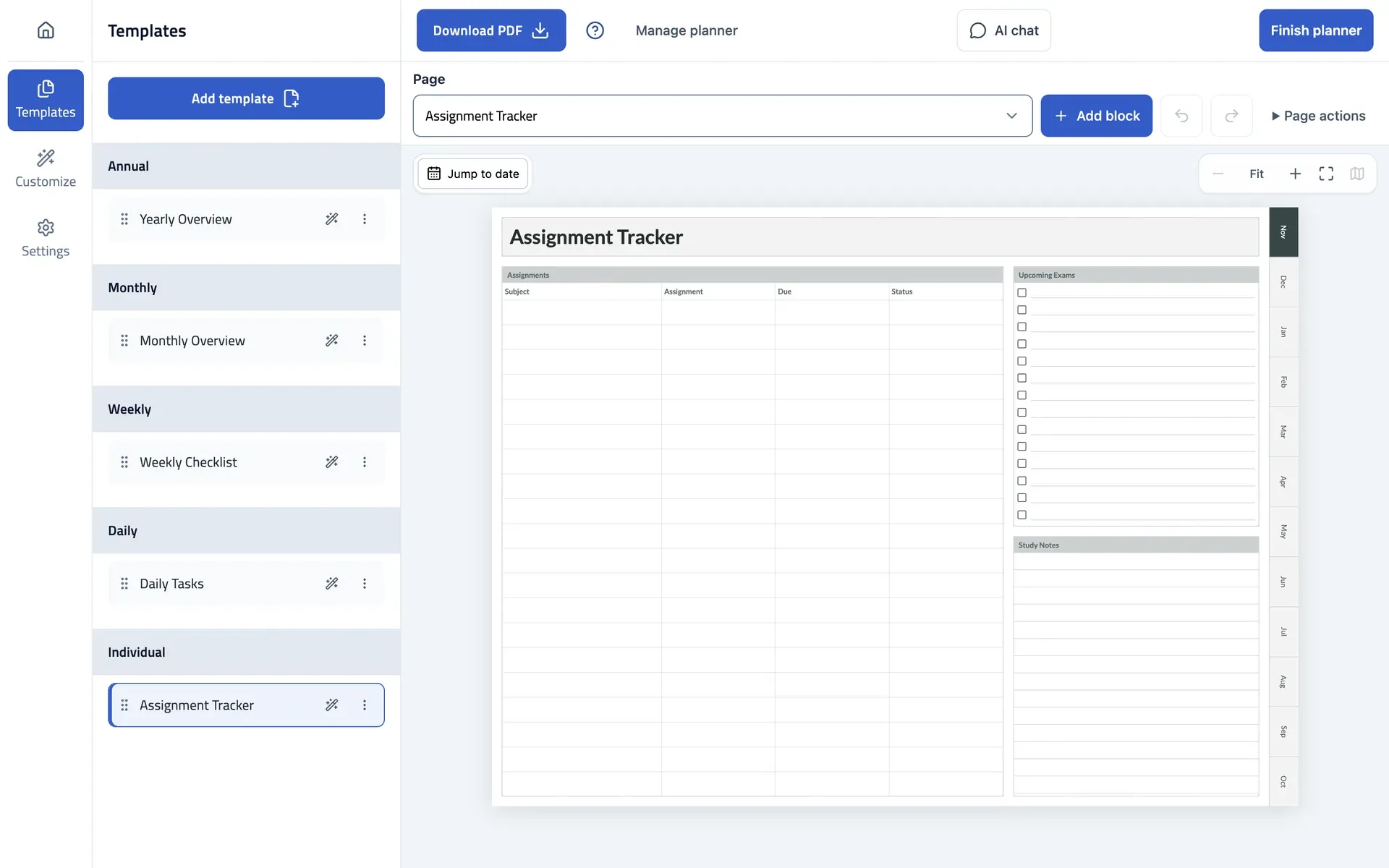
Add, reorder and customize pages. Add blocks, resize them, and undo anything you don't like.
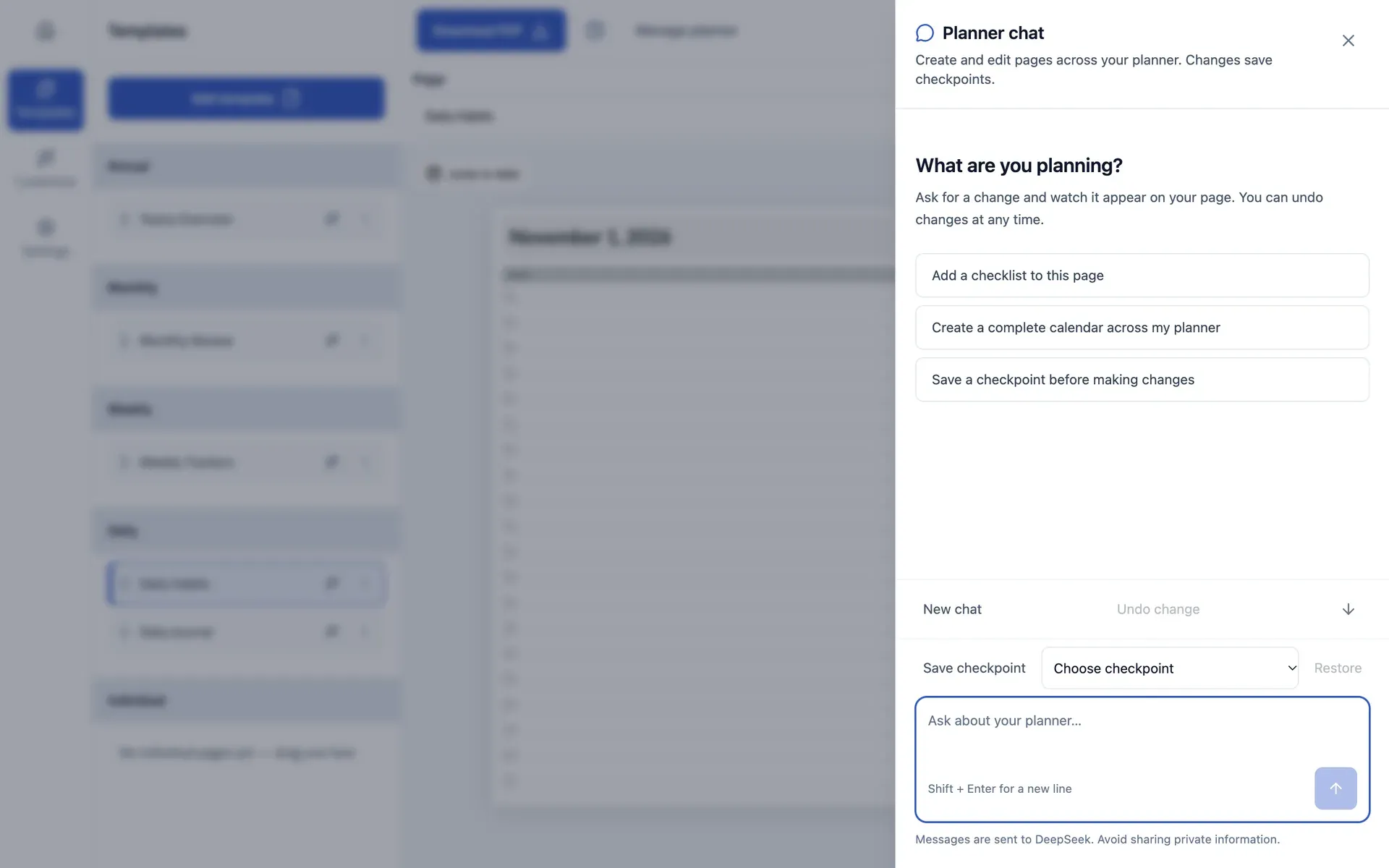
Ask the planner chat
Ask for a change and watch it appear on your page. Every change can be undone, and you can save checkpoints to come back to.
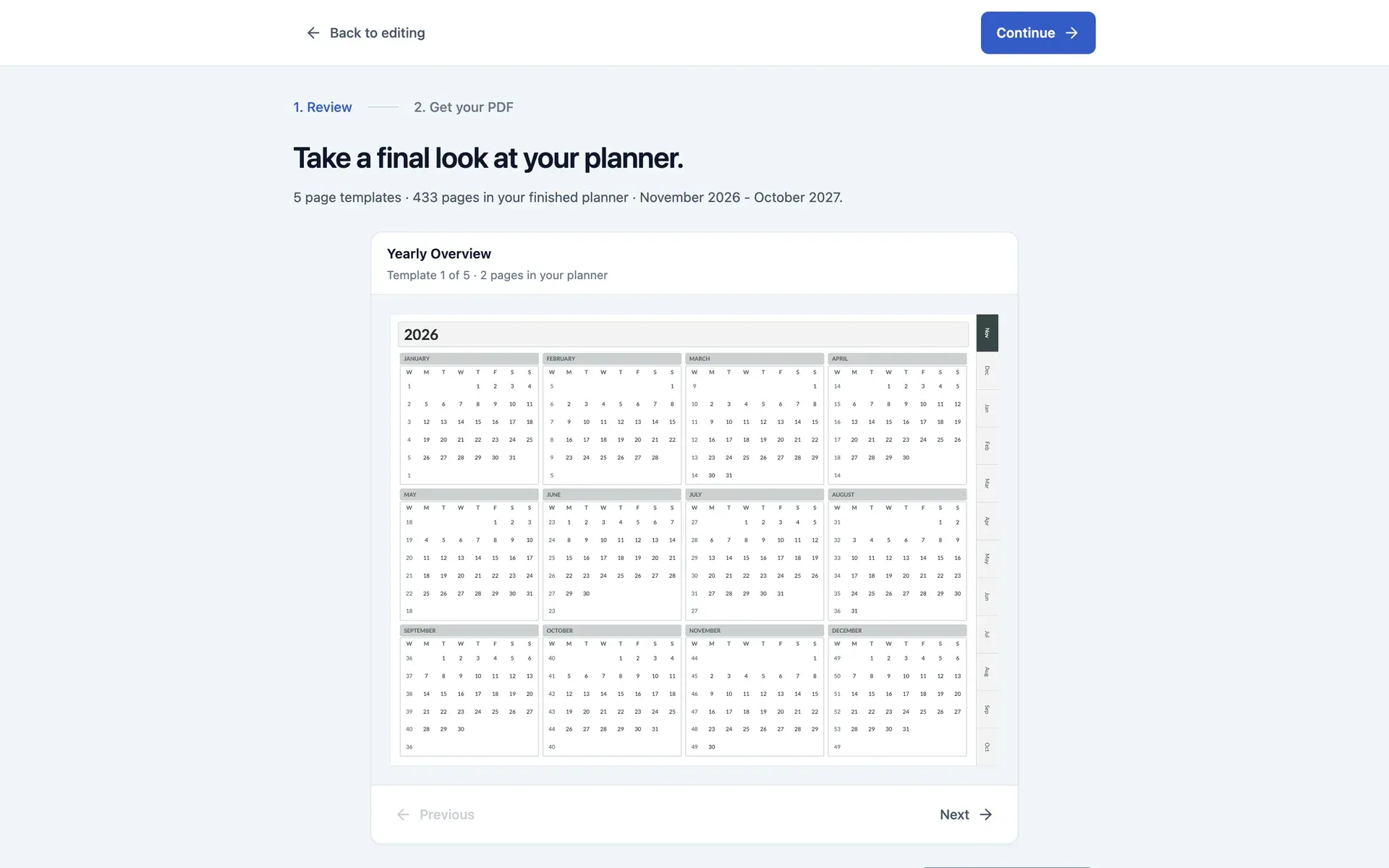
Review it all
Flip through every template before you finish. In this example, five templates turn into 433 pages.
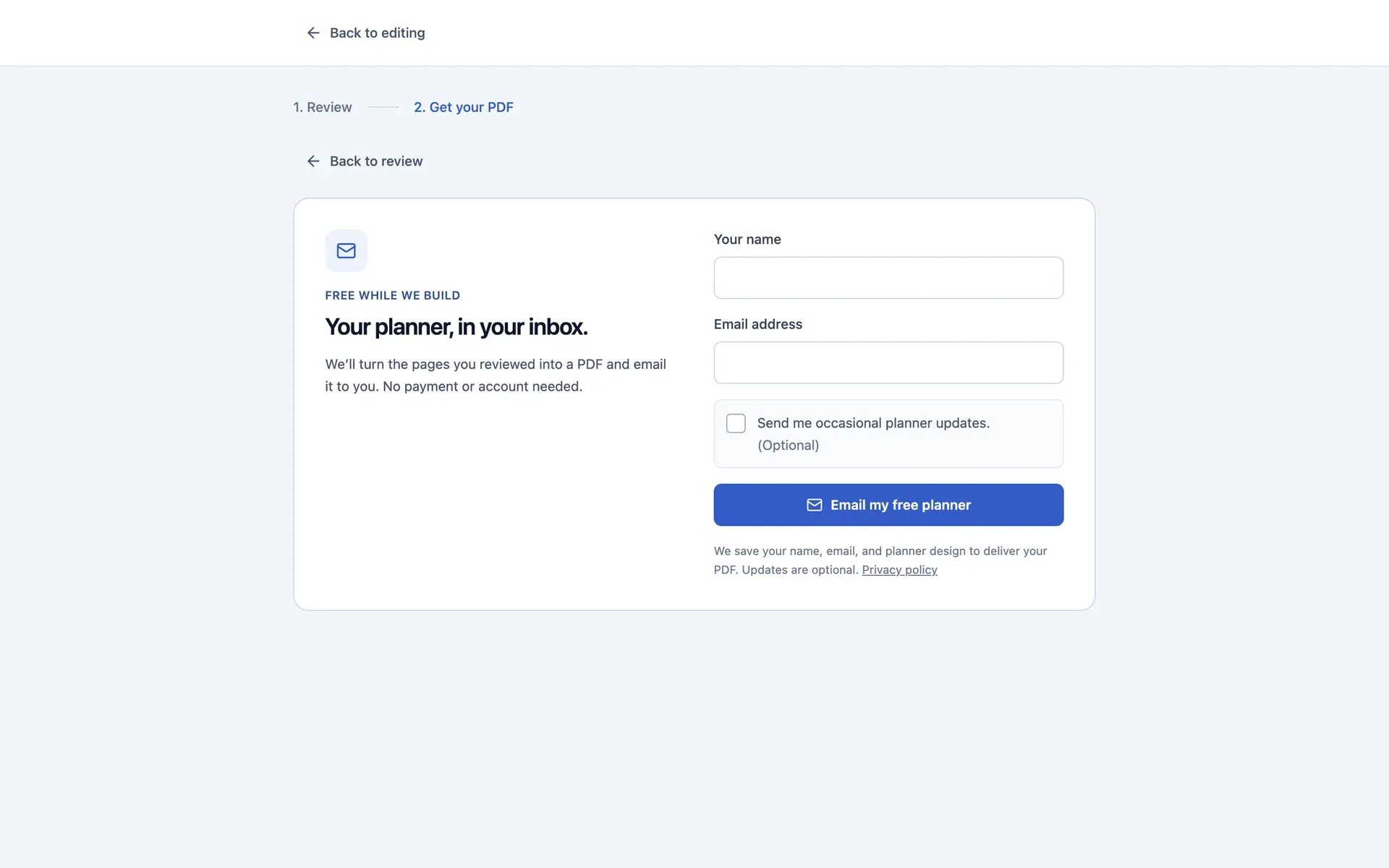
Get it by email
It's free while I build it, with no payment and no account. The finished PDF lands in your inbox.
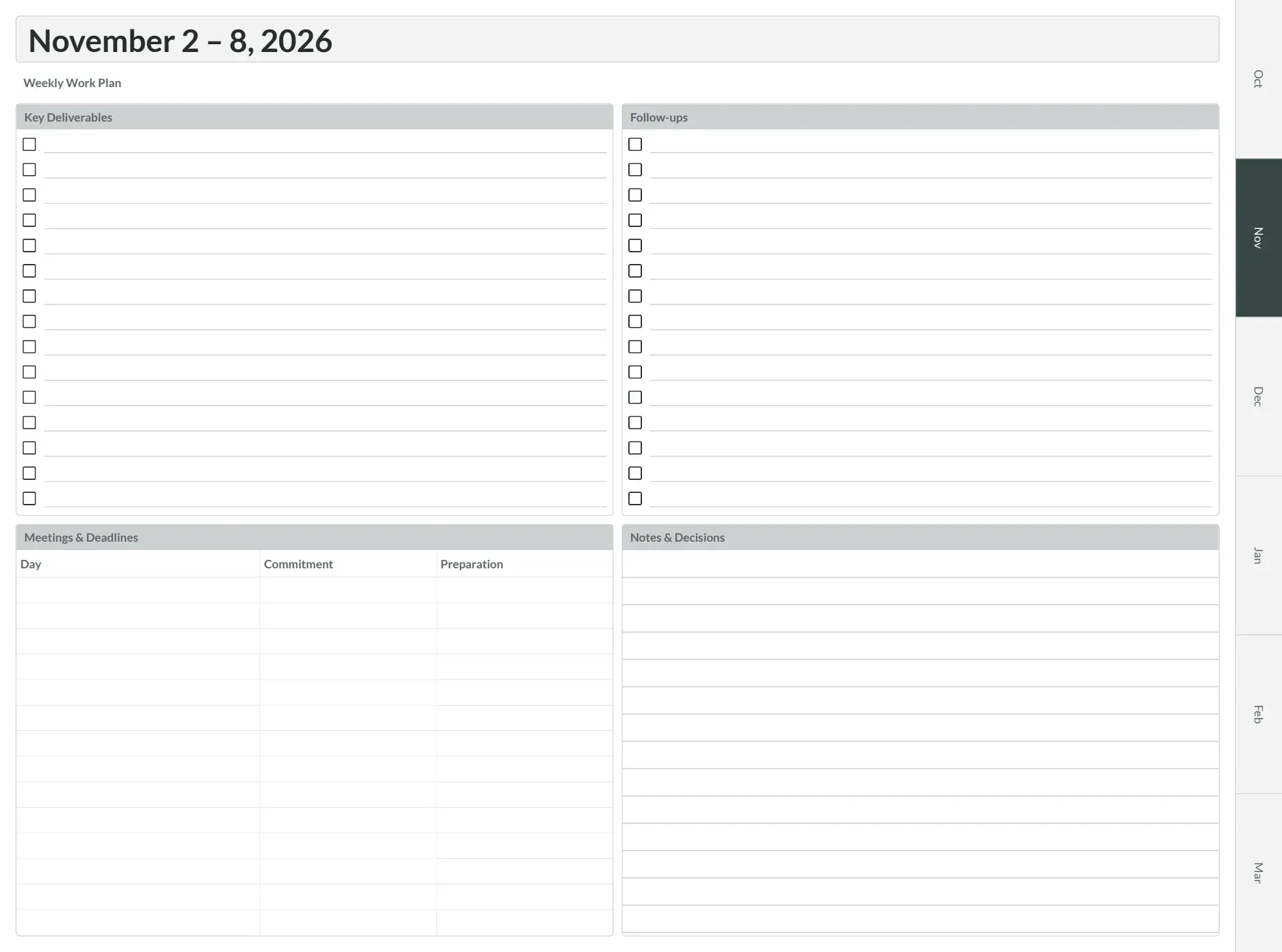
Your finished planner
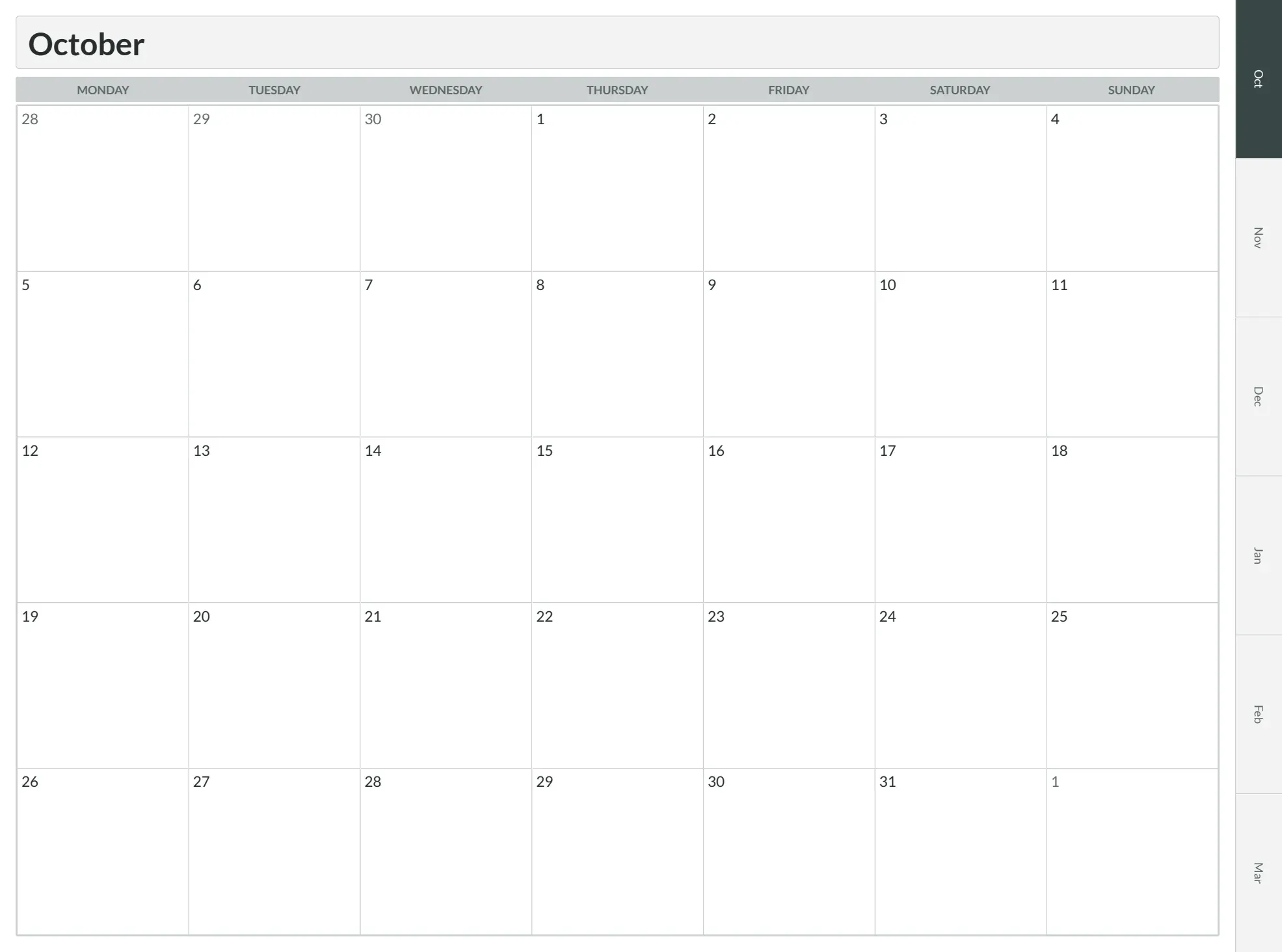
This is a real one I made with the app: a year overview, month pages and weekly spreads, with month tabs along the edge. It's a regular PDF, so open it on a tablet or print it.
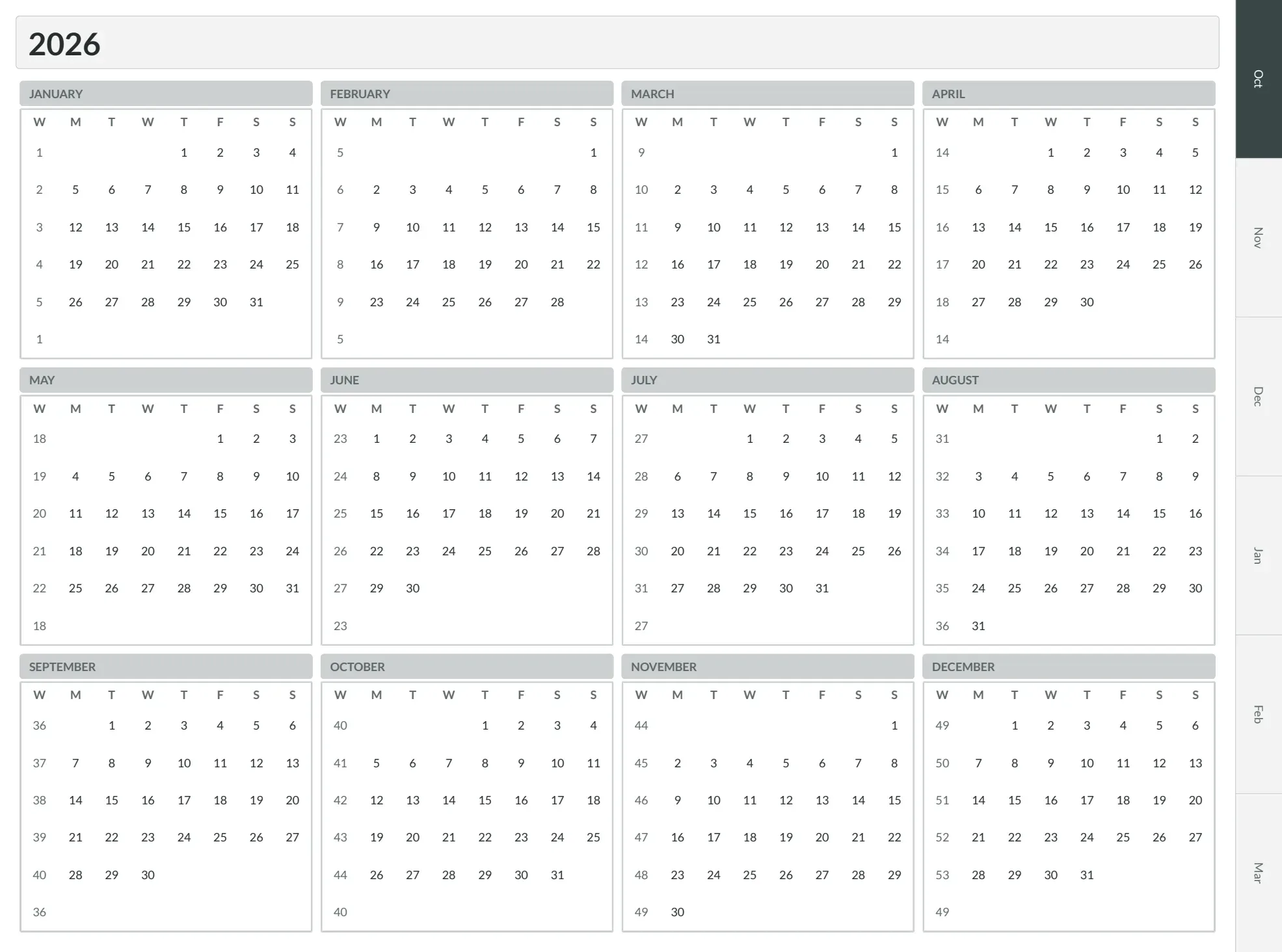
A whole year at a glance
The first page shows all twelve months with week numbers, so you can see the year before you fill in a single day.
A few tricky parts
Teaching an AI what each element is for
I wanted a planner that could start from a sentence about your life. So I tested an AI step that chooses which elements a page needs, while regular code decides where they go and how big they are. One sentence on its own wasn't enough: "I homeschool three kids" matched nothing, so I describe the person and the sections they want. I wrote 40 test cases and went from 19 to 38 strict passes by giving the model clearer notes about what each element is for. It's still an experiment, and the results weren't always repeatable, but it taught me how much context matters.
A few templates, hundreds of pages
Dated templates repeat across your date range, so a handful of designs becomes a whole year of pages. In my test, five templates turned into 433 pages.
A PDF you can count on
The PDF is built on the server and capped in size, so one request can't hog it. The app only says "sent" once the email provider accepts the message, and if sending fails, the request is kept so it can be retried.
Technologies
Next.js and React
The landing page, the builder and the editor.
react-pdf
Draws every page and builds the PDF.
Vercel AI SDK
Powers the planner chat, streamed straight into the editor.
DeepSeek
The AI model behind the planner chat.
Cloudflare Workers
Runs the whole app close to whoever is using it.
D1 and Drizzle
Stores the requests that people send in.
Resend
Emails the finished planner.